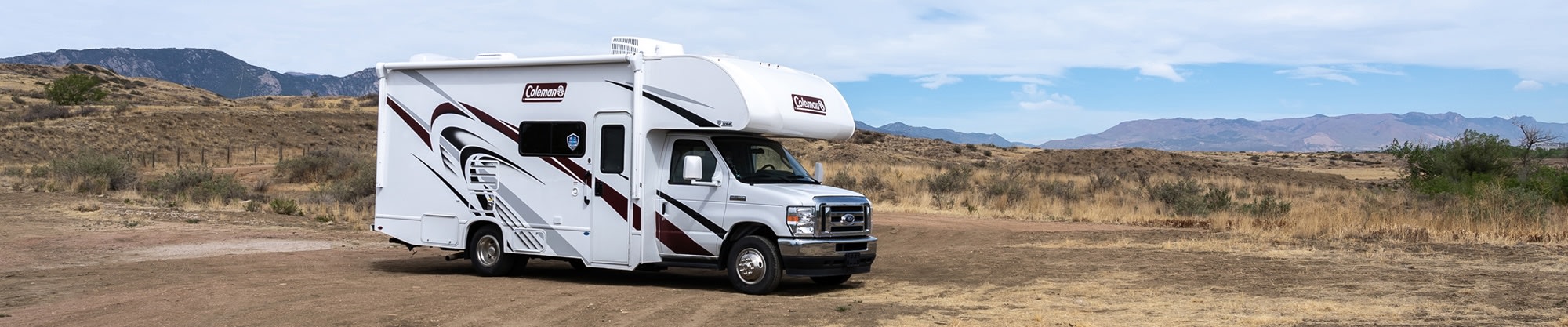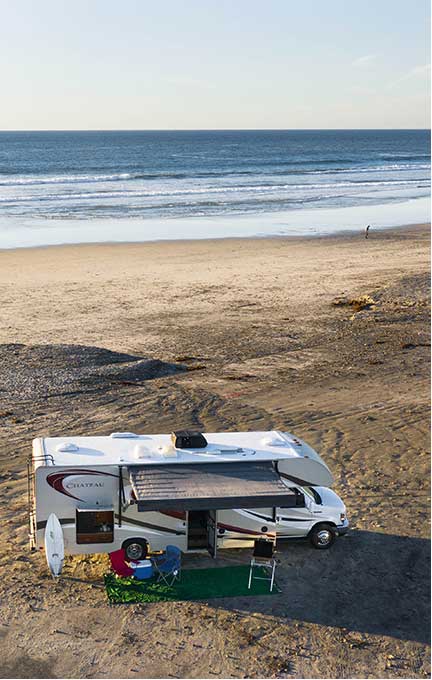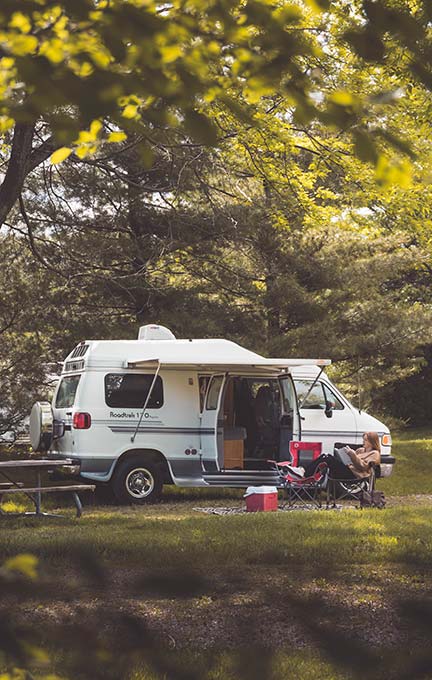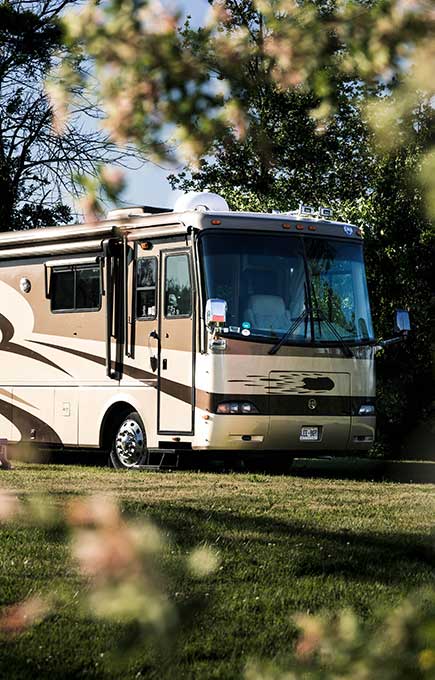

You can absolutely work from an RV — trade meeting rooms for winding roads — as long as you plan for three things: reliable RV internet, steady power, and a route built around signal. The remote workers who make it work use two internet sources, know how much bandwidth their calls need, and pick campgrounds by coverage map as much as by view. Here's how to set up an RV office that survives a real workweek.
In Brief
- Plan two internet sources, such as satellite plus a cellular hotspot.
- Video calls need steady upload, not just download — Zoom lists 2.6 Mbps up for group HD calls.
- Budget your data: an hour of HD video calling can use a gigabyte or more.
- Power the workday with shore power, or batteries and an inverter; mind generator quiet hours.
- Test it first: a week or a month in a rental shows what works before you commit.
Can you work remotely from an RV?
Yes. Plenty of remote workers run their jobs from an RV, but it takes more planning than working from home. You need internet that holds up on video calls, enough power to run a laptop and router all day, a workspace you can sit at for hours, and travel days scheduled around your meetings.
The biggest mistake is relying on campground Wi-Fi. Our own RV packing checklist warns that campground Wi-Fi shouldn't be trusted for anything serious. Remote workers we talk to never trust campground Wi-Fi for a client call — they treat it as a bonus, not a plan.
What's the best internet for working from an RV?
The best RV internet for remote work combines two sources: satellite internet such as Starlink for remote areas with a clear view of the sky, and a 5G or 4G cellular hotspot for places near towers. Campground Wi-Fi works as a backup, and a cell signal booster can strengthen a weak signal.
- Satellite (Starlink Roam) — Best for: Remote sites with open sky; Watch out for: Trees and canyons block it; monthly cost.
- Cellular hotspot (5G/4G) — Best for: Sites near towns and highways; Watch out for: Spotty in remote areas; data caps.
- Cell signal booster — Best for: Strengthening weak cell signal; Watch out for: Must be registered with your carrier.
- Campground Wi-Fi — Best for: Email and light browsing; Watch out for: Shared, slow, unreliable for calls.
Satellite: Starlink Roam
Starlink's Roam plans are built for travelers. As of October 2026, the latest independent reporting (May 2026) still applies: tracker RV Mobile Internet reports that "Roam 100GB has increased from $50/month to $55", the Roam 300GB plan costs $80 a month, and Roam Unlimited rose from $165 to $175. Hardware is a separate one-time purchase. Since August 17, 2026, Roam 100GB and 300GB work only in your home country, though Starlink now treats the US and Canada "as one country" for Roam — trips to Mexico or beyond need Roam Unlimited, which now covers up to 30 days at a time abroad. The same tracker reports that in-motion use up to 100 mph is supported on Roam plans — handy for a passenger, though work should wait until you're parked. Prices change often, so confirm current plans on Starlink's Roam page before you buy. Hosts tell us more renters now ask whether a rig has Starlink before they book.
Cellular hotspots and boosters
A phone hotspot or dedicated 5G router is often the fastest option near towns. A booster can help on the edge of coverage — the FCC says signal boosters "can help cell phone users improve their coverage" in weak-signal areas, and "you must register your booster with your provider," at no cost.
In our experience, the best RV office is the one with a backup hotspot. When the satellite loses sky behind a tree line, the hotspot keeps you on the call.
How much data and speed do you need for remote work?
For video calls, upload speed matters as much as download. Zoom lists 1.2 Mbps up and down for a one-on-one 720p call, 2.6 Mbps up and 1.8 Mbps down for a group 720p call, and 3.8 Mbps up and 3.0 Mbps down for 1080p. Audio-only calls need far less — about 60 to 80 kbps.
Zoom's bandwidth requirements list these figures by call type:
- 1:1 video, 720p — Upload: 1.2 Mbps; Download: 1.2 Mbps.
- Group video, 720p — Upload: 2.6 Mbps; Download: 1.8 Mbps.
- Video, 1080p — Upload: 3.8 Mbps; Download: 3.0 Mbps.
- Audio only — Upload: 60–80 kbps; Download: 60–80 kbps.
Zoom doesn't publish data use per hour, so here's our math: a one-on-one 720p call at 1.2 Mbps each way uses roughly 1 GB an hour, and a 1080p group call can use around 3 GB an hour. Multiply by your weekly meeting hours, add uploads and downloads for your files, and you'll know whether a 100 GB plan covers your workweek.
When signal is weak, switch to audio or turn off your camera — you'll stay on the call with a fraction of the bandwidth.
How do you power a laptop workday in an RV?
At a campground with hookups, plug in and work like you would at home — a surge protector is cheap insurance. Off-grid, you'll run your laptop, router, and phone from the RV's batteries through an inverter, recharged by solar or a generator. Check generator quiet hours before you plan a workday around one.
An RV inverter converts 12-volt battery power into 120-volt household power, and a pure sine wave inverter is the one you want for computers. To estimate your load, check the watt rating on each charger — Outdoorsy's guide notes you can find watts by multiplying an appliance's amps by 120. Our guide to managing RV electricity explains 30-amp and 50-amp hookups.
Generator rules can shape your schedule. At Lassen Volcanic National Park, for example, generators are allowed only 8–10 a.m., noon–2 p.m., and 5–7 p.m., with quiet hours from 10 p.m. to 6 a.m. — so plan heavy power use around those windows.
How do you set up a workspace in a small RV?
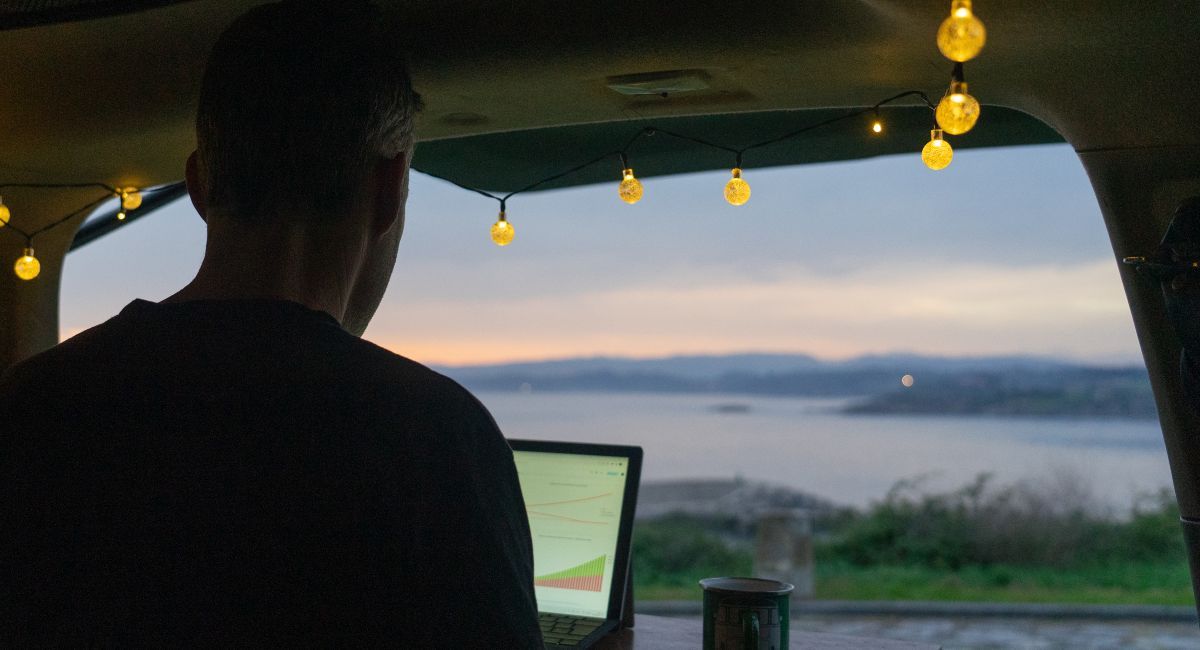
Most RVers turn the dinette or a swivel cab seat into an office. Add an external monitor or laptop stand, a good headset, a portable light, and a quiet backdrop for calls. Keep cables tidy and everything stowable, because your office has to pack away before every drive.
- Choose your desk: the dinette is the classic; swivel cab seats work well in many Class C and camper van layouts.
- Raise the screen: a laptop stand plus a compact keyboard saves your neck.
- Use a headset: RVs echo, and campgrounds have barking dogs.
- Light your face: a small clip-on light beats a dark window behind you.
- Make it stowable: everything needs a home before you drive.
If you need more room, a longer Class C or a rig with a dedicated table makes a big difference over a month. We've watched solo workers settle happily into camper vans with a swivel seat and a fold-down table. Camper vans are great for solo workers — browse camper van rentals for compact options with smart layouts.
How do you plan routes and campgrounds around work?
Check coverage before you book: use the FCC's National Broadband Map and your carrier's map to confirm signal at each campground, look for open sky if you rely on satellite, and schedule travel for weekends or light days. Keep an eye on time zones, too — crossing one can move your 9 a.m. meeting.
Coverage maps
The FCC's National Broadband Map shows mobile coverage by carrier. The FCC explains that the map shows where you should be able to connect "either outdoors or moving in a vehicle" and doesn't cover indoor service — so treat it as a starting point and read recent campground reviews about signal.
Time zones
Note every time zone change on your route. A westbound travel day can make an afternoon meeting feel early; an eastbound one can make you late.
Quiet hours
Campground quiet hours and generator windows affect early calls and late work sessions. Pick sites with hookups when you have a heavy week.
Weekday travel
Drive on weekends or light days, and arrive with daylight to test your connection before Monday. RVers we talk to who work full time say Sunday is their moving day, every week.
Should you test RV remote work with a rental first?
Yes. Renting an RV for a week or a month is the cheapest way to find out whether your job, internet setup, and workspace actually work on the road — before you buy a rig. Many hosts offer weekly and monthly rates, and some rentals already have Starlink or a booster installed.
Outdoorsy's long-term RV rentals are usually arranged by the week or month, and longer bookings often come with a discount. Ask hosts whether the rig has satellite internet, an inverter, solar, and a table you can work at. For a bigger-picture look at longer stays on the road, see our long-term RV rental guide.
Ready to take your office on the road? Browse RV rentals near you and find a rig with room to work. Find what moves you.
About this guide
This guide was researched and written by the Outdoorsy editorial team. Our information draws on Zoom's published bandwidth requirements, Federal Communications Commission guidance on the National Broadband Map and signal boosters, National Park Service campground regulations, independent Starlink pricing coverage, Outdoorsy's electricity guides, and conversations with Outdoorsy hosts and renters who work on the road. We have no commercial relationship with the businesses mentioned unless explicitly noted. Prices are as of October 2026.